Getting started
This article introduces the concept of the Web Client, offering suggestions for how you can get started using it.
Cash Management uses a browser-based Web Client. Some key facts about the Web Client:
-
Runs in common web browsers* (for example, Chrome, Firefox, Safari)
-
Requires no installation
-
Enables you to access Cash Management anywhere, on any device
-
Provides an enhanced user interface that improves ease of use, particularly for non-administrative users
Dashboard at a glance
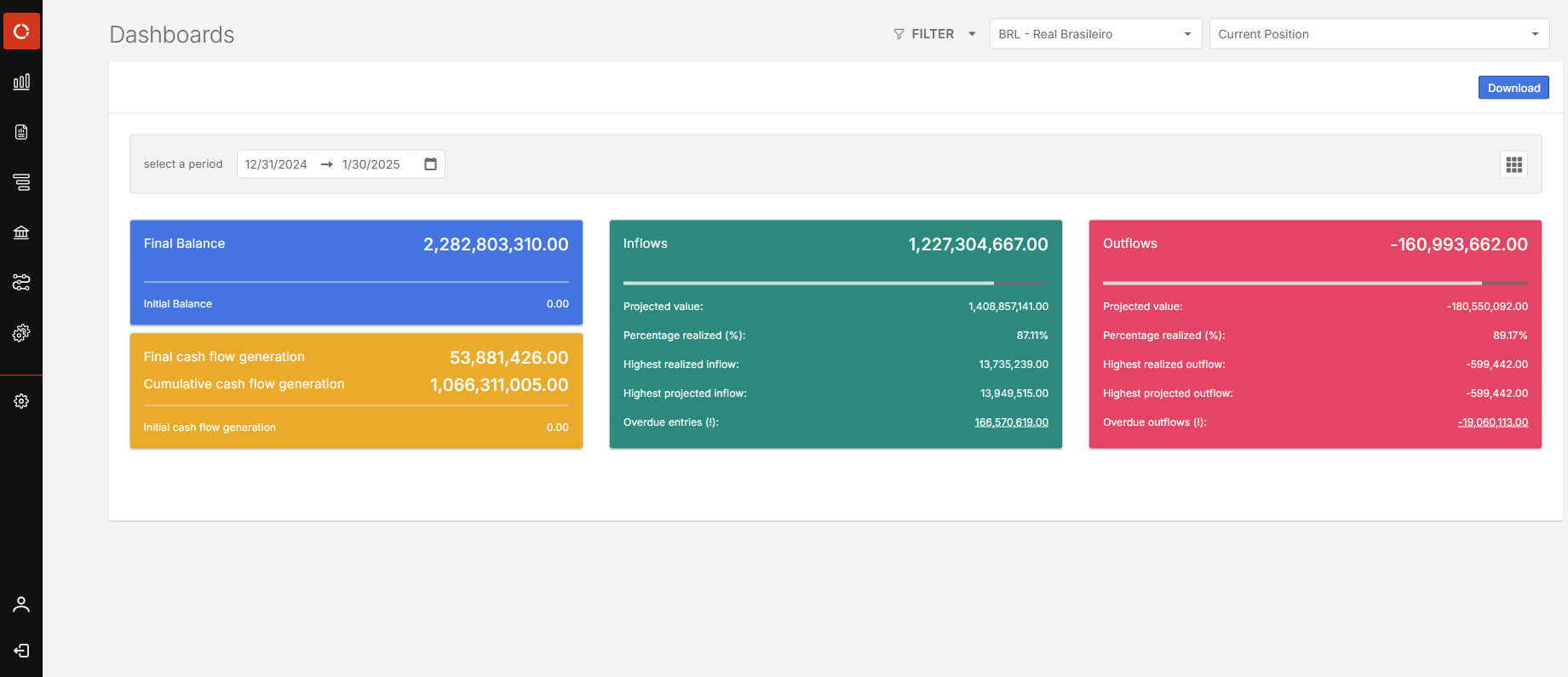
After you log in to the Cash Management, you arrive at your personal Dashboard page, which looks similar to the following example:
Opening modules
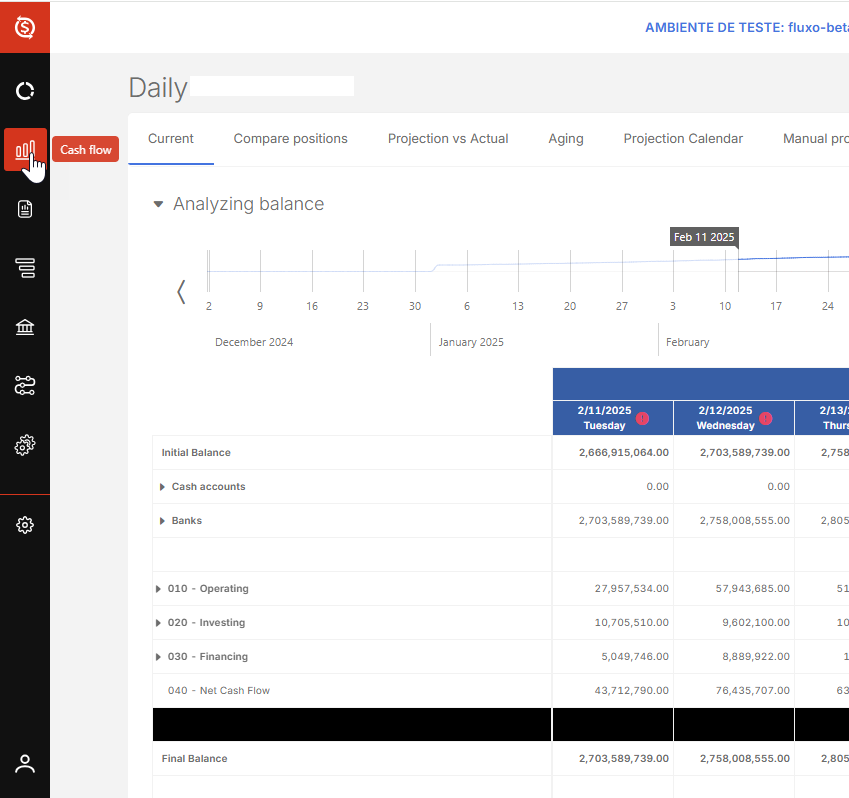
To see the modules, hover over the icons in the menu on the left side.
To open a module, click its menu item.