Group data by column header
Some pages in the application provide the ability to group data by column headings: Drag and drop a column header to group by that column.
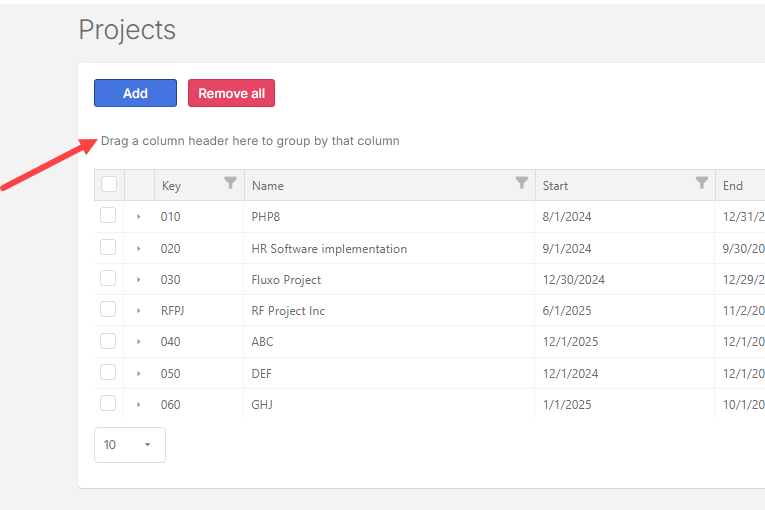
The following example shows how projects can be grouped by columns on the Projects page. The same principle applies where the you can drag and drop a column header to group by that column.
-
On the Projects page, drag a column header.
-
Drop it in the space above the column header, adjacent to the Search field. For example, to group by start date, drag the Start column header to the space above.
-
To restore the default setting, refresh or reload your browser.